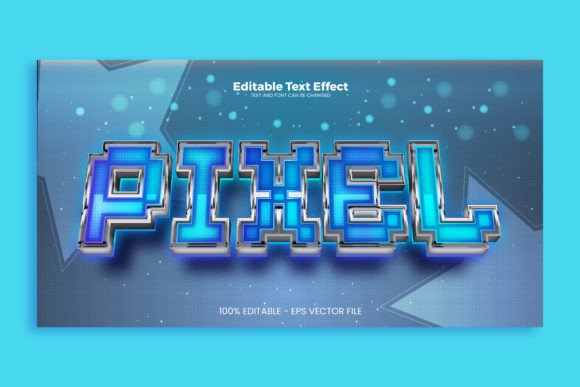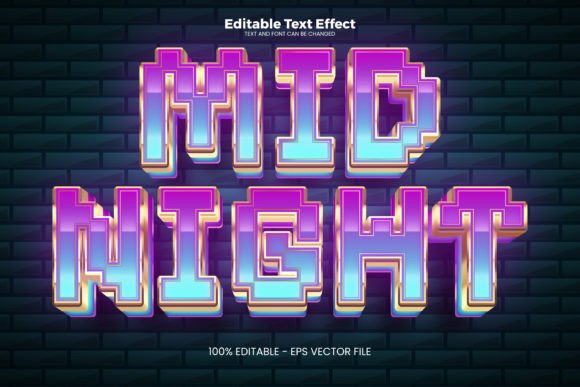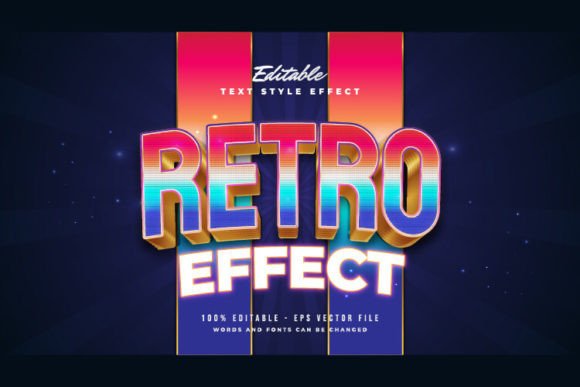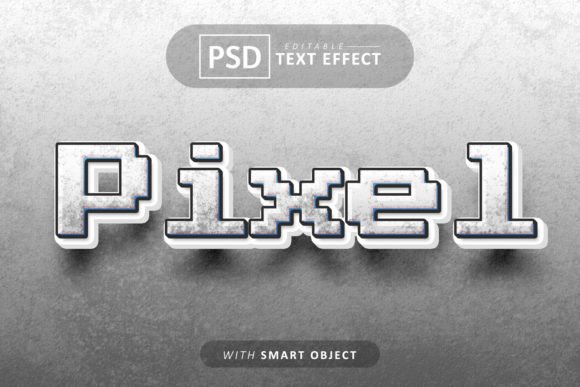
Create Retro Pixel Glitch Text Effect
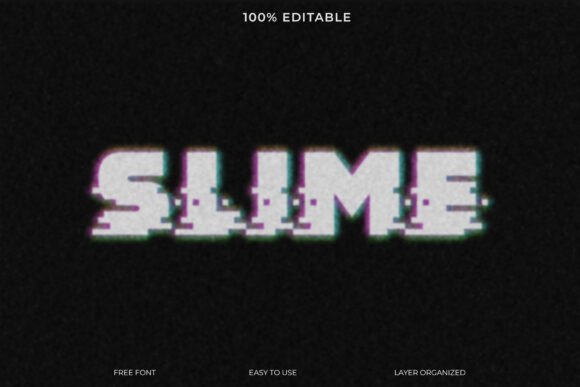
Capturing the nostalgic buzz of classic video games and the edgy pulse of digital distortion, the Slime Pixel Glitch Text Effect offers a unique way to make your typography pop. This 100% editable template combines a retro pixel aesthetic with a modern glitch effect, delivering a design that feels both familiar and fresh. It’s an ideal starting point for projects that need a bold, tech-inspired visual punch without spending hours crafting the effect from scratch.
This creative font template is built for designers and creators who value both style and efficiency. The included free font means you can start using it immediately, while the organized layers ensure a seamless editing experience. You have full control to customize colors, distortion levels, and pixel details to match your specific vision. This flexibility makes it a practical addition to any designer's toolkit for quick, high-impact results.
Where This Design Template Shines
The retro pixel glitch effect has a distinct personality that suits a variety of creative projects. It’s particularly effective for designs that aim to feel energetic, futuristic, or nostalgically digital. Consider using this template for:
- Logo Design & Brand Identity: Create memorable logos for gaming channels, tech startups, music artists, or brands targeting a youthful, digital-native audience.
- Poster Design & Event Graphics: Design striking posters for concerts, gaming tournaments, film festivals, or tech conferences where a bold visual statement is key.
- Social Media Graphics: Develop scroll-stopping posts, thumbnails, and banners for platforms like YouTube, Instagram, and Twitch to boost engagement.
- Packaging & Merchandise: Add an edgy, modern twist to product packaging, apparel, stickers, or digital merchandise.
- Web Design & UI Elements: Use the effect for hero sections, call-to-action buttons, or animated text to add dynamic interest to a website.
While it’s a display-focused typeface, pairing it with a clean sans serif font for body text ensures readability and maintains a professional hierarchy in your layouts.
Tips for Choosing and Using Display Fonts
When selecting a premium font or any design asset, a few practical checks can save time and ensure success. First, always test the readability of the Slime Pixel Glitch Text Effect at the size you intend to use it. Glitch effects are decorative, so they work best for headlines and short phrases rather than long paragraphs.
Next, consider the mood of your project. This pixelated, distorted style conveys energy, innovation, and a digital edge. Ensure that aligns with your brand’s message or the project's theme. A good practice is to review all available styles and characters in the font download to confirm it supports the letters, numbers, and symbols you need.
Finally, always verify the license. A commercial font license is necessary if you plan to use the design for client work, merchandise for sale, or any project that generates revenue. This ensures you’re legally covered and respecting the creator’s work.
Choosing the right typeface is a fundamental part of effective design. A well-crafted font or text effect, like this pixel glitch template, does more than just display words—it communicates a feeling, establishes a mood, and strengthens visual consistency across all your materials. Investing in quality design assets helps your work look more polished and professional, ultimately making a stronger impression on your audience.