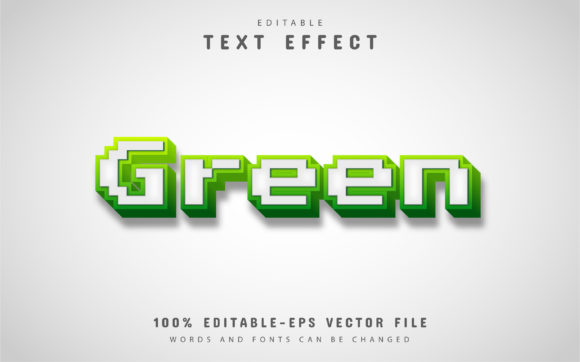
Green Pixel Text Effect: Create Stunning Digital Designs
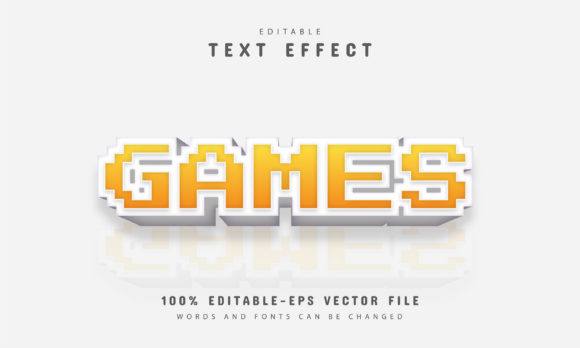
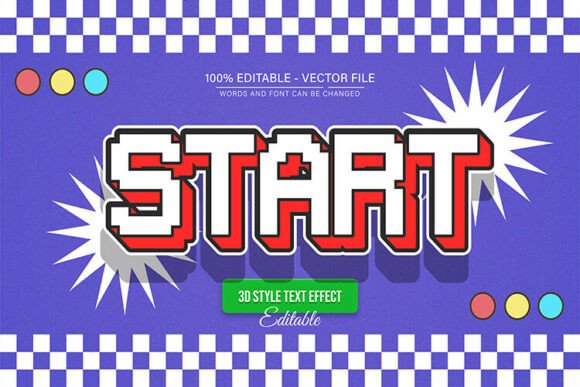
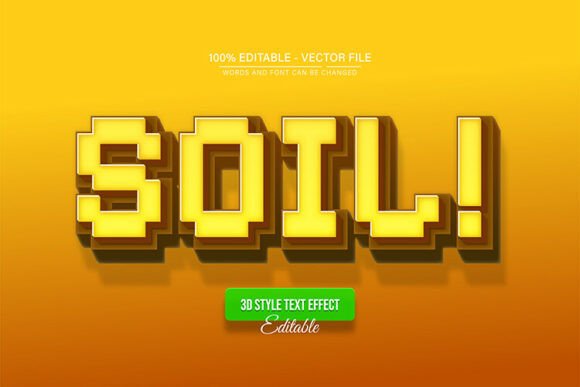
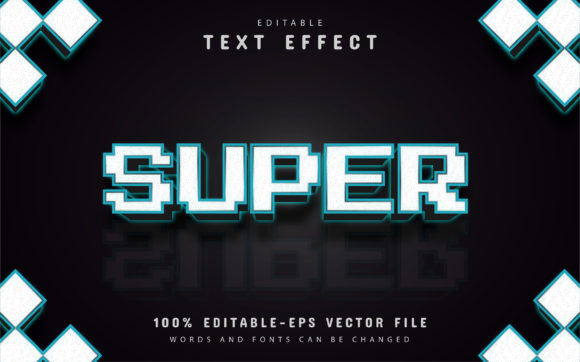
Imagine a design that captures the energy of classic gaming and modern digital culture in a single, vibrant stroke. The Green Pixel Text Effect delivers exactly that, offering a unique and eye-catching typeface perfect for projects that demand a bold, retro-futuristic feel. This is a fully editable vector design, meaning you can enlarge or reduce the size you want in Adobe Illustrator, and the quality has never decreased. It’s a versatile asset for any designer’s toolkit.
What makes this particular effect so compelling is its ability to immediately set a mood. It’s not just a font; it’s a visual statement. The pixelated, glowing green aesthetic is instantly recognizable and evokes a sense of technology, gaming, and digital innovation. For designers working on specific types of projects, this effect can be the key to unlocking a cohesive and powerful visual identity.
Ideal Projects for a Pixel-Perfect Typeface
The Green Pixel Text Effect shines in contexts where you want to communicate something dynamic, tech-savvy, or playfully nostalgic. Consider using it for:
- Logo Design & Brand Identity: Perfect for tech startups, indie game studios, esports teams, or digital influencers looking for a memorable brand mark that stands out.
- Poster & Event Design: Ideal for music festivals, gaming tournaments, retro-themed parties, or tech conference graphics that need to grab attention from a distance.
- Social Media Graphics: Create scroll-stopping posts, channel banners, or story highlights for platforms like Twitch, YouTube, and Instagram that resonate with a digital-native audience.
- Packaging & Merchandise: Add a unique flair to merchandise like t-shirts, stickers, or tech accessories, or design packaging for products that want to highlight a modern, digital edge.
- Web & UI Elements: Use it for hero sections, buttons, or promotional banners on websites and apps that want to emphasize a gaming or tech theme.
Tips for Integrating This Effect Seamlessly
While the effect is designed to be impactful, a little strategy ensures it enhances rather than overwhelms your project. First, always consider readability. While perfect for headlines and short bursts of text, it may not be suitable for long paragraphs. Pair it with a clean, simple sans-serif or serif font for body copy to create balance and hierarchy.
Second, think about the overall mood. This typeface works best when it aligns with the project’s theme. A vintage bakery logo might not be the best fit, but a cybersecurity blog or a synthwave music album cover would be a perfect match. Test how it interacts with your color palette; the classic green works with dark backgrounds, but the unlimited color variations allow for endless experimentation.
Finally, leverage the file’s flexibility. Since this is a 100% editable vector in EPS format, you can customize every aspect. Adjust the color to match a specific brand hex code, modify the pixel spacing, or combine it with other graphic elements. The easy-to-edit nature means no advanced skill is required, but the professional result speaks volumes.
Choosing the right design assets is about more than just aesthetics; it’s about finding tools that elevate your work and communicate your message effectively. A well-crafted font or text effect like this one provides a foundation for creativity, helping you build designs that are not only visually polished but also rich with personality and intent. It’s an investment in the quality and impact of your creative projects.