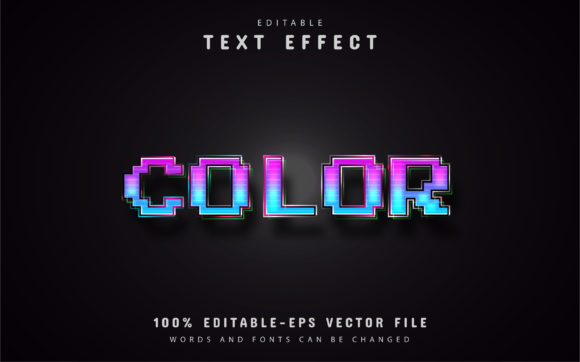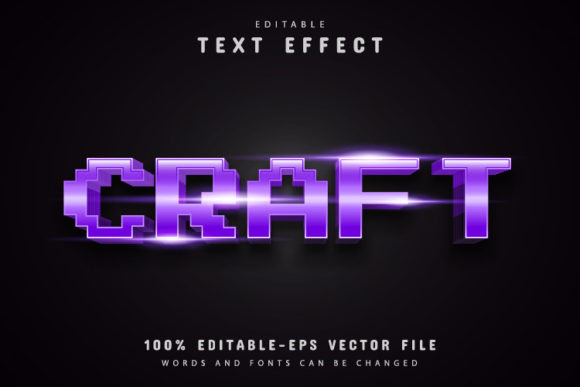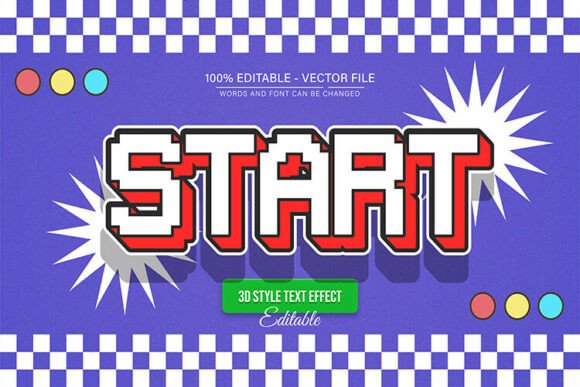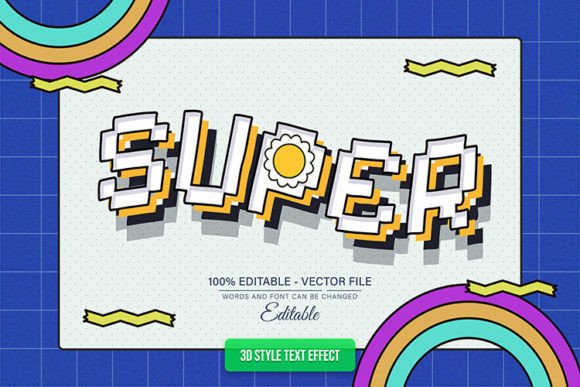
Island Pixel Text Effects: Modern Retro Typography
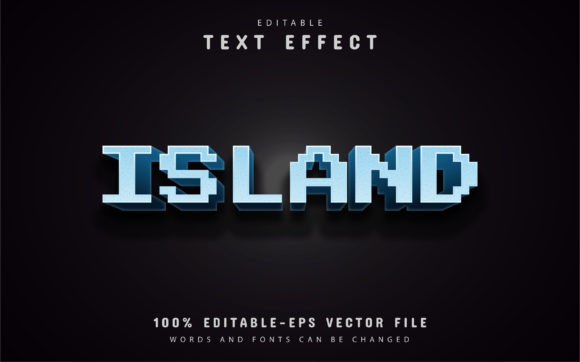
There’s a unique charm in pixel art that blends nostalgia with a clean, modern edge. If you're looking to capture that vibe in your next project, the Island Pixel Text Effects typeface offers a compelling solution. This isn't just a static font; it's a fully editable vector design asset built for creative flexibility, allowing you to craft headlines and logos with a distinctive, retro-pixel character that feels both playful and professional.
Designed for versatility, this premium font asset works seamlessly within Adobe Illustrator. The core strength lies in its 100% editable vector format. You can scale your text to any size—from a small social media icon to a massive billboard—without any loss of quality. The package includes both EPS and JPG files, giving you options for various software environments. The text itself is fully editable, meaning you can type any word or phrase and apply the signature pixel effect instantly.
Creative Applications and Use Cases
The unique aesthetic of this typeface makes it ideal for a range of design projects where you want to make a visual impact. Consider using it for:
- Logo and Brand Identity: Create memorable logos for tech startups, indie game studios, retro-themed cafes, or creative agencies. The pixel effect adds personality while maintaining a structured, graphic feel.
- Poster and Packaging Design: Design eye-catching posters for events, album covers, or product packaging for items like craft beer, snacks, or novelty goods. The bold style ensures your message stands out.
- Social Media and Web Graphics: Craft engaging headlines for Instagram posts, YouTube thumbnails, or website banners. The modern typography helps your content grab attention in a crowded digital space.
- Merchandise and Invitations: Apply it to t-shirt designs, stickers, or party invitations for a fun, customized look that resonates with a gaming or retro aesthetic.
Tips for Effective Use
To get the most out of this creative font, keep a few practical tips in mind. First, always consider readability. While the pixel effect is stylistic, ensure your final text is legible at its intended size, especially for body text or detailed information. Pair it wisely—combine it with a clean sans serif font or a simple script font for body copy to create balanced, professional layouts.
The editing process is designed to be straightforward. With Adobe Illustrator CS or higher, you simply use the Type Tool (T), click on the text, and type your own words. The unlimited color variations mean you can easily match the text effect to your project’s palette, ensuring seamless integration into your overall design. This level of control is invaluable for maintaining visual consistency across a brand or campaign.
Choosing the right typeface is a subtle yet powerful way to elevate your work. A well-crafted font like Island Pixel Text Effects does more than just display words; it sets a mood, reinforces a brand’s personality, and adds a layer of polish that viewers instinctively recognize. Whether you’re working on editorial design, web design, or creating digital products, having a distinctive and flexible typeface in your toolkit can streamline your workflow and enhance your creative output. It’s an investment in both efficiency and the professional quality of your designs.